


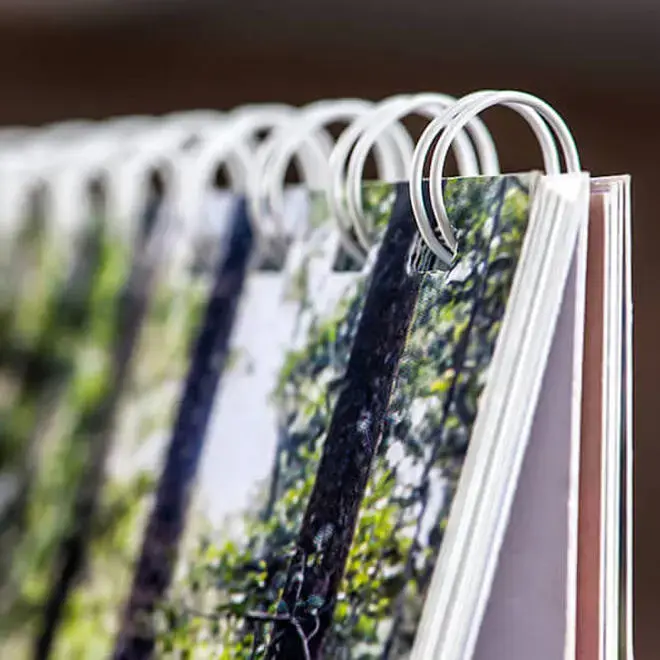


Desk Calendar
1. Set up the page. In Canva, click Create a design, then Custom size. Choose mm and enter {w} wide by {h} high. Add pages until you have 14: page 1 is the cover, pages 2 to 13 are January to December and page 14 is the back cover. Add a page for the cover, then two pages for each month: the picture page that hangs on top and the month page below it. Add pages until you have 12: page 1 is January and page 12 is December. Make the cover as a separate Canva design at {coverw} by {coverh} mm.
2. Design your calendar. Nothing else is printed on the pages, so add the month names, dates, photos and logo you want. Stretch backgrounds right to the outer edge and keep text at least {safe} mm in from the edge so nothing is cut off. Keep the top {wire} mm clear for the wire binding. Keep {wire} mm clear for the wire binding at the top of the month pages and the bottom of the picture pages.
3. Download one file per page. Click Share, then Download. Choose PDF Print and leave Crop marks and bleed unticked. Use Select pages to download each page as its own PDF, or choose PNG to get every page as a separate image in one zip file. Keep each file under 50 MB.
4. Upload it here. Click Create Now, then Upload images and pick all your files. Drag each one onto its page in the design tool, in the same order as your Canva pages. Check the preview, then add it to your cart.
- Calendars South Africa
- Approx size: 21x15cm
- Binding:
- Wiro
- Card Stand
- Paper: 300gsm Silk
- Printing: 2400dpi Laser
- Pages: 14
Bulk discount: (5+ copies, 10% off) - (20+ copies, 20% off) - (50 copies, 30% off)
50+ mail for a quote
Create your Photobook in 3 Easy Steps

Free delivery: Main Centers, Orders over R599

Dedicated customer support

Quality guaranteed

A truly South African company

Secure online payment
 Back to calendars >
 Wall Calendars